 Authenticator
Get the app
Authenticator
Get the app
Every login, locked behind Face ID.
2FA codes on your phone for Google, Microsoft, Facebook, crypto exchanges and any service that supports authenticator apps. Works offline.
Free to download. iOS 17 or later, Android 8 or later.
Works with every service that supports authenticator apps
Codes, passwords and backups in one locked place.
Five things the app does for you every day. Scroll to walk through each screen.
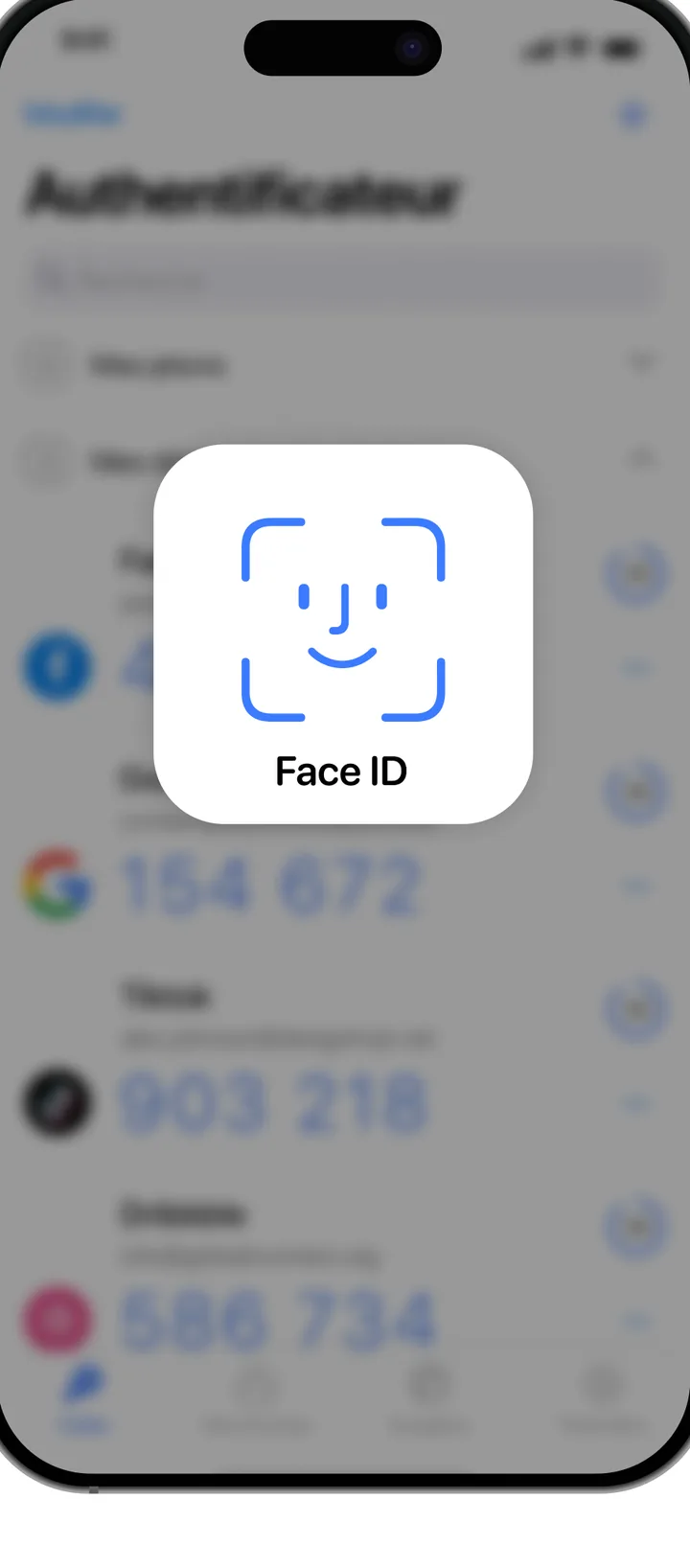
Unlock with Face ID, Touch ID or a PIN
The code list stays blurred until you unlock it. Auto-lock kicks in the moment you switch apps.
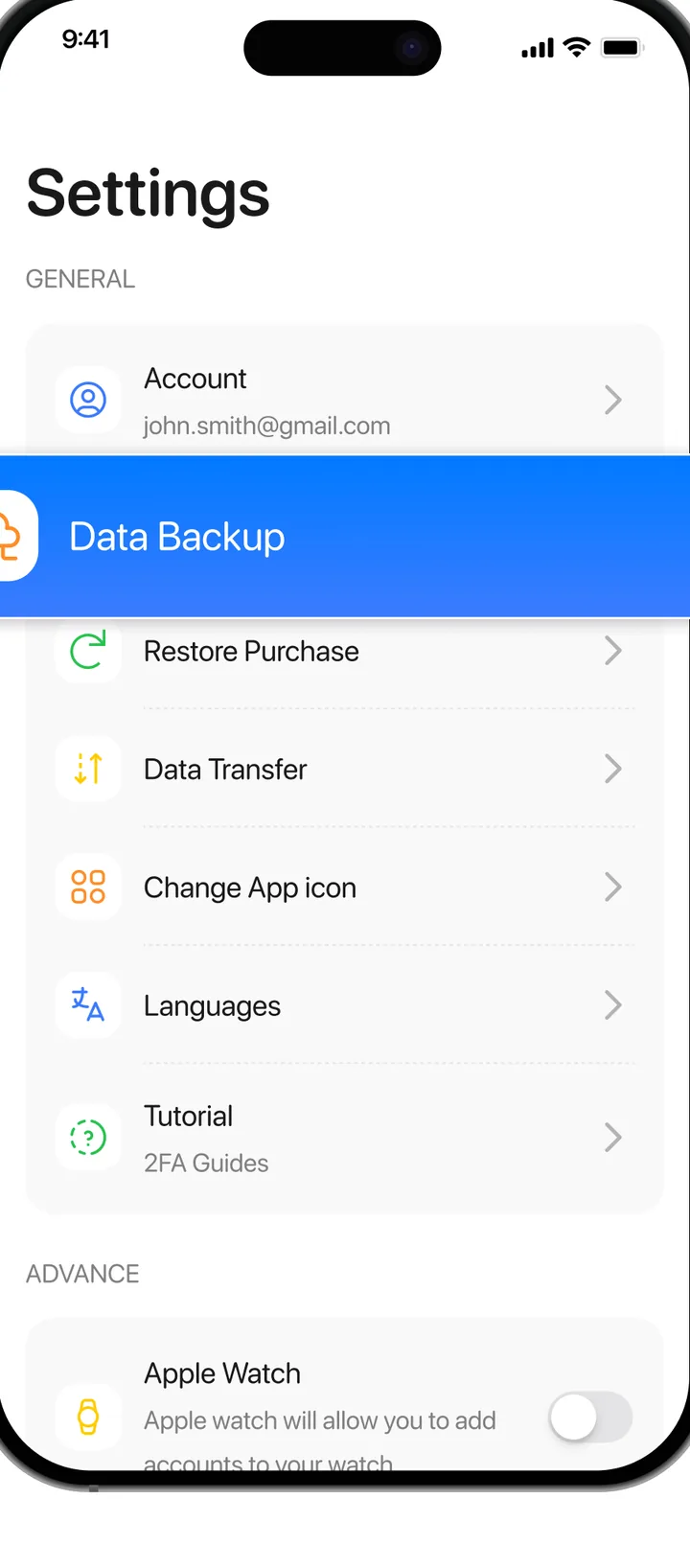
Encrypted backup, so a new phone is not a lockout
Export or restore your accounts in Settings. Transfer to a new device in minutes, not a week of support tickets.
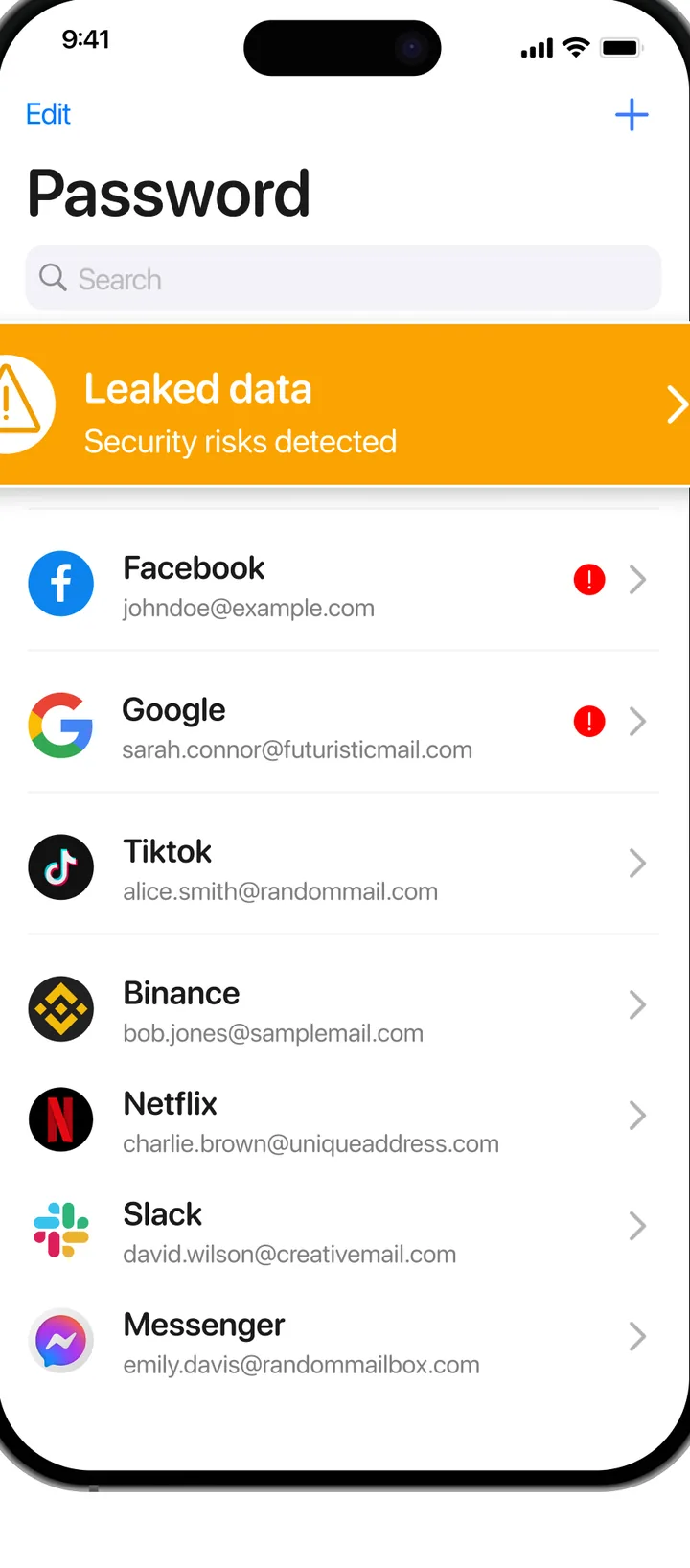
Passwords with leak alerts
Keep logins next to their codes. The app flags accounts whose data has shown up in a known breach.
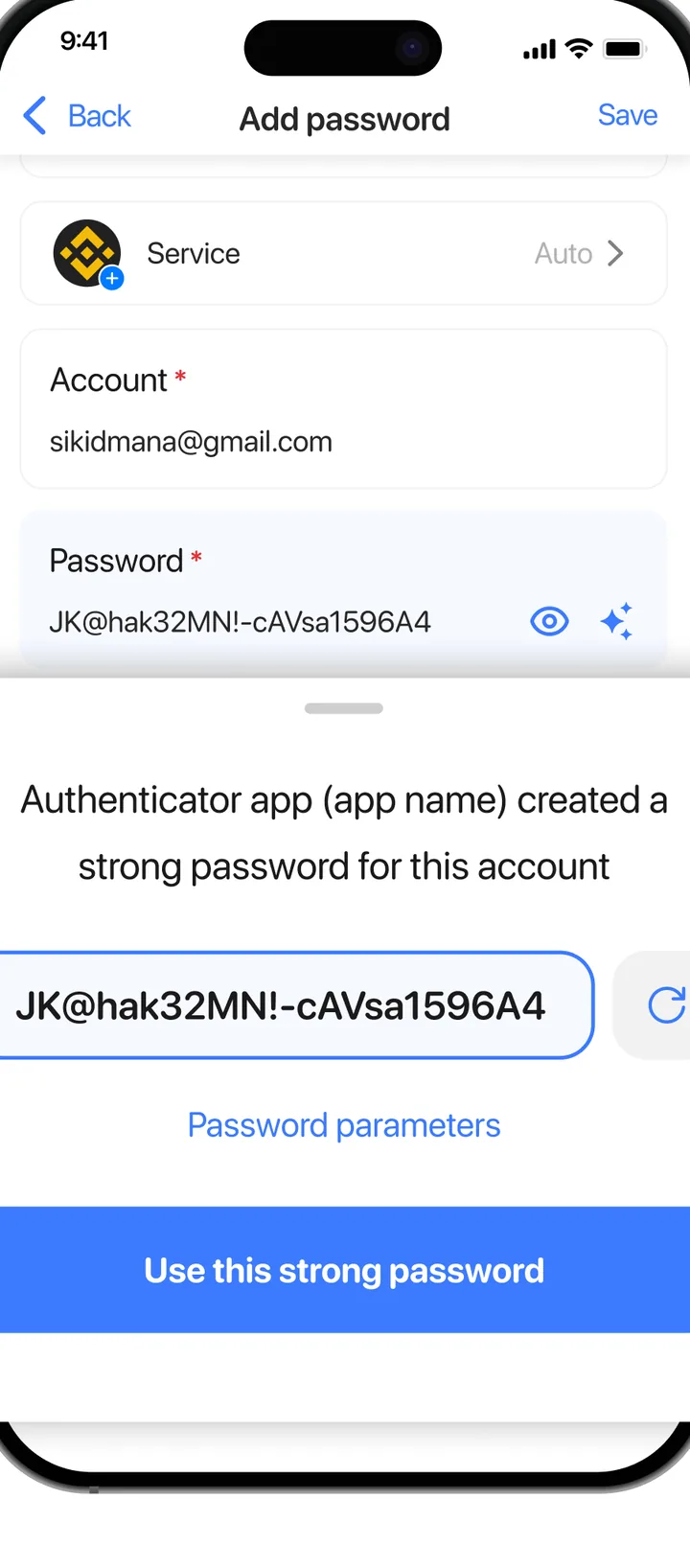
Strong passwords in one tap
Generate a long random password when you create an account, then save it right there.
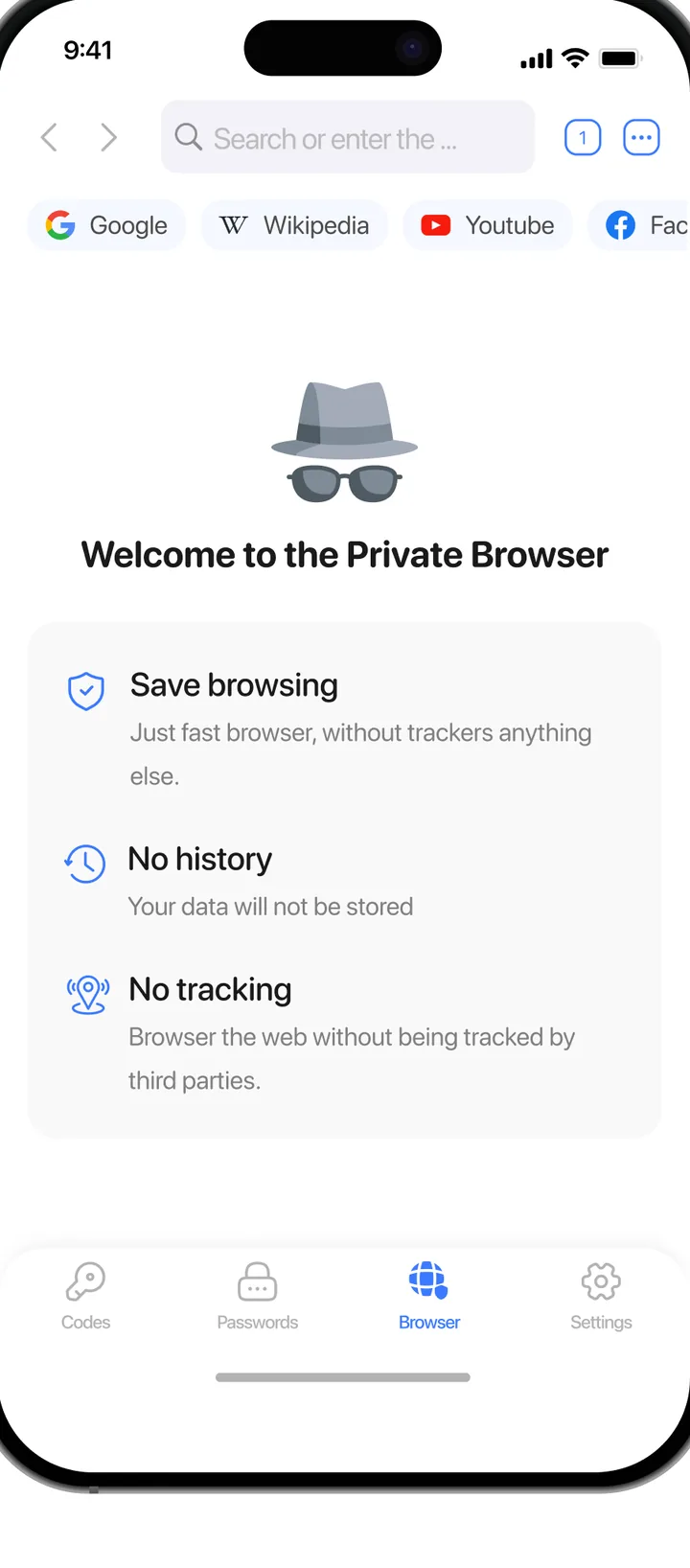
A private browser for sensitive sign-ins
No history, no cookies, no trackers. Open a bank or exchange, sign in, close it, nothing stays.
Three steps, then you forget it is there.
-
Turn on two-factor authentication in the service
Google, your bank, your exchange: find "two-step verification" in the security settings and pick "authenticator app". A QR code appears.
-
Scan the QR code, or paste the secret key
The account shows up in your list with a six-digit code that changes every 30 seconds. No account with us, no SMS, no internet needed.
-
Type the code when you sign in
Someone with your password still cannot get in without the phone in your pocket. That is the whole point.
“It's quick to set up, easy to use, and provides extra security for my online accounts.”
Questions people ask before installing
Is the app free?
Downloading and generating codes is free. Some extras such as backup, the password vault and the private browser are part of a subscription with a trial. Prices are shown in the app before you confirm anything, and you can cancel from your phone's subscription settings at any time.
What happens if I lose my phone?
If you set up backup, install the app on the new phone and restore. If you did not, use the recovery codes each service gave you when you turned on 2FA. We cannot regenerate codes for you, because we never see your secret keys.
Does it need internet?
No. Codes are computed on the device from the secret key and the current time. Airplane mode works fine.
Which services does it support?
Anything that offers "authenticator app" as a 2FA method: Google, Microsoft, Facebook, Instagram, Amazon, PayPal, GitHub, Binance, Coinbase and thousands more. The app speaks the standard TOTP protocol.
Where is my data stored?
Secret keys stay on your phone, encrypted. Backups are encrypted before they leave the device. Details are in the privacy policy.
How do I cancel?
On iPhone: Settings, your name, Subscriptions. On Android: Play Store, your profile, Payments and subscriptions. Cancelling keeps the app working until the end of the paid period. Still stuck? Write to support.